Can a QR code hack my phone?
The danger is rarely the scan itself — it is the link or data hidden inside the code. With Forensic Pro, QRLume shows you what a code contains without opening it, so nothing hostile gets the chance to run.
How do I check if a QR code is safe before opening it?
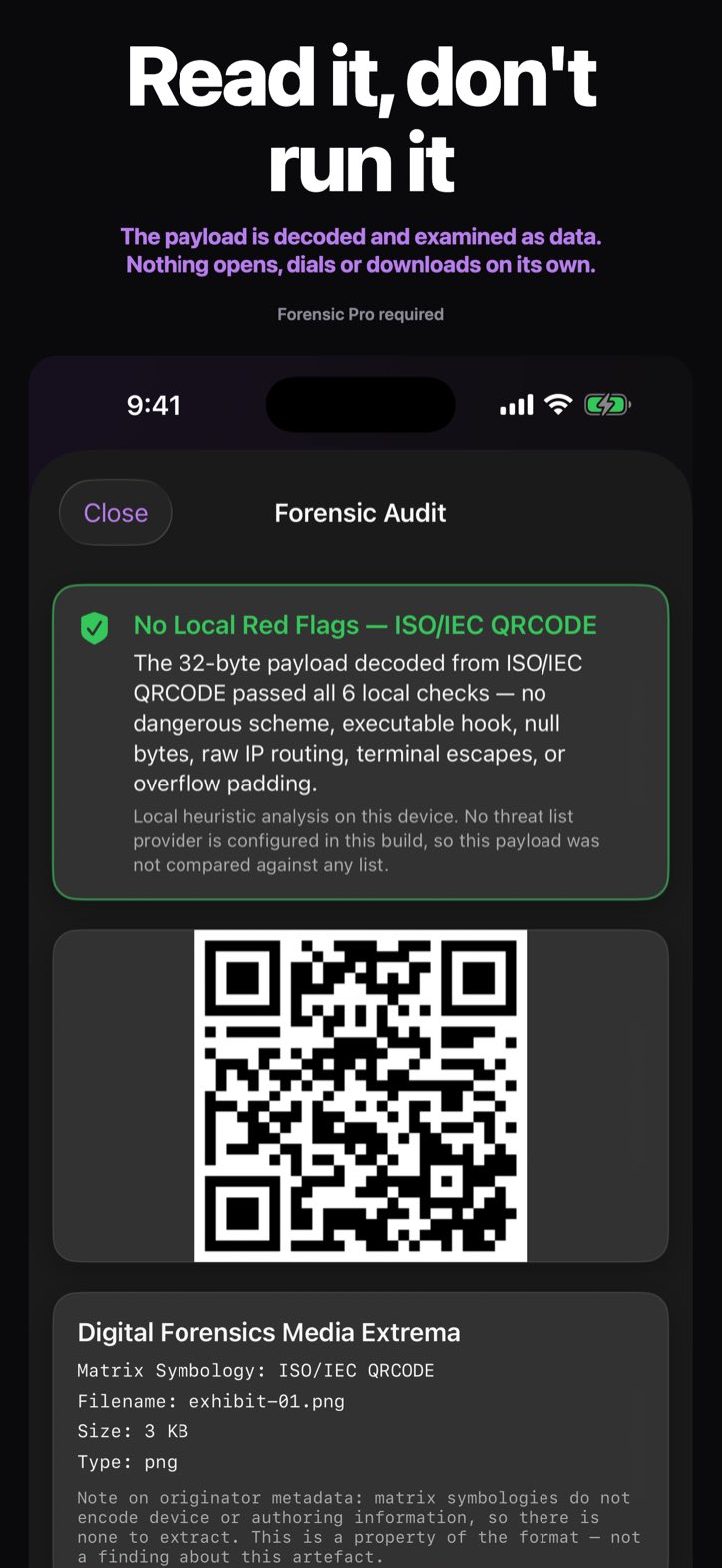
Scan it with QRLume instead of your camera app. With Forensic Pro you see the decoded address, a verdict from six local checks and an entropy score before you decide to visit anything, and the link never opens on its own. A verdict of No Local Red Flags means none of the six checks flagged it — not that the link is safe.
What is quishing?
Quishing is phishing through QR codes: attackers paste malicious codes over real ones on parking meters, menus and posters. With Forensic Pro, QRLume shows the address exactly as the code encodes it and runs six local checks for hostile patterns; nothing opens unless you confirm. It does not expand shortened links or detect look-alike domains, and a look-alike address can read exactly like the real one — so treat any unexpected code as hostile.
Does QRLume work offline?
Yes. Scanning and analysis run entirely on your device and need no connection. With iCloud Sync off, QRLume uploads nothing you scan. While iCloud Sync is on, your evidence records, scanned payloads and images included, are copied to your own iCloud account. The only other connection QRLume makes is Apple’s StoreKit, which checks for a Forensic Pro purchase and carries no scan data.
Can I scan a QR code from a screenshot or photo?
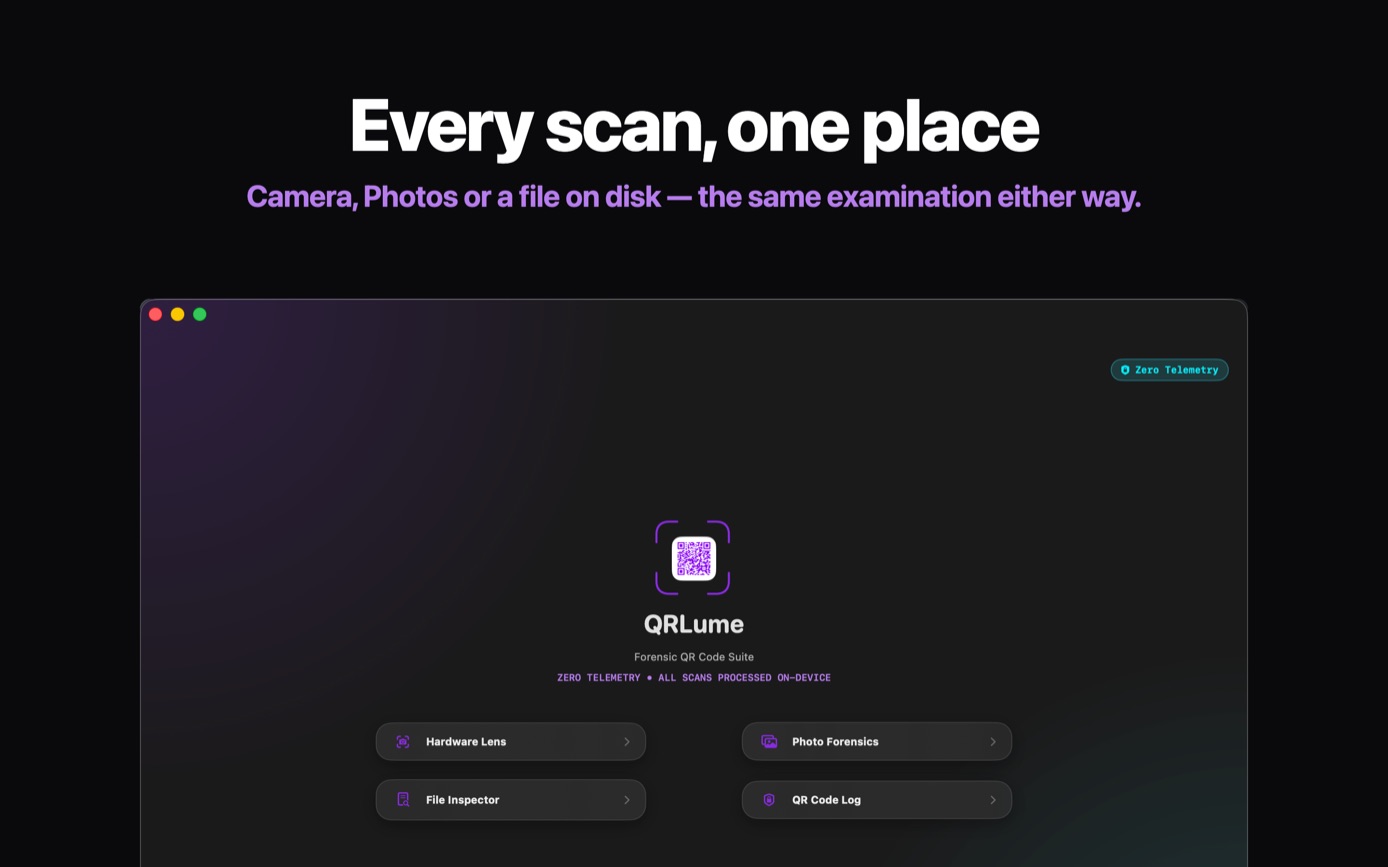
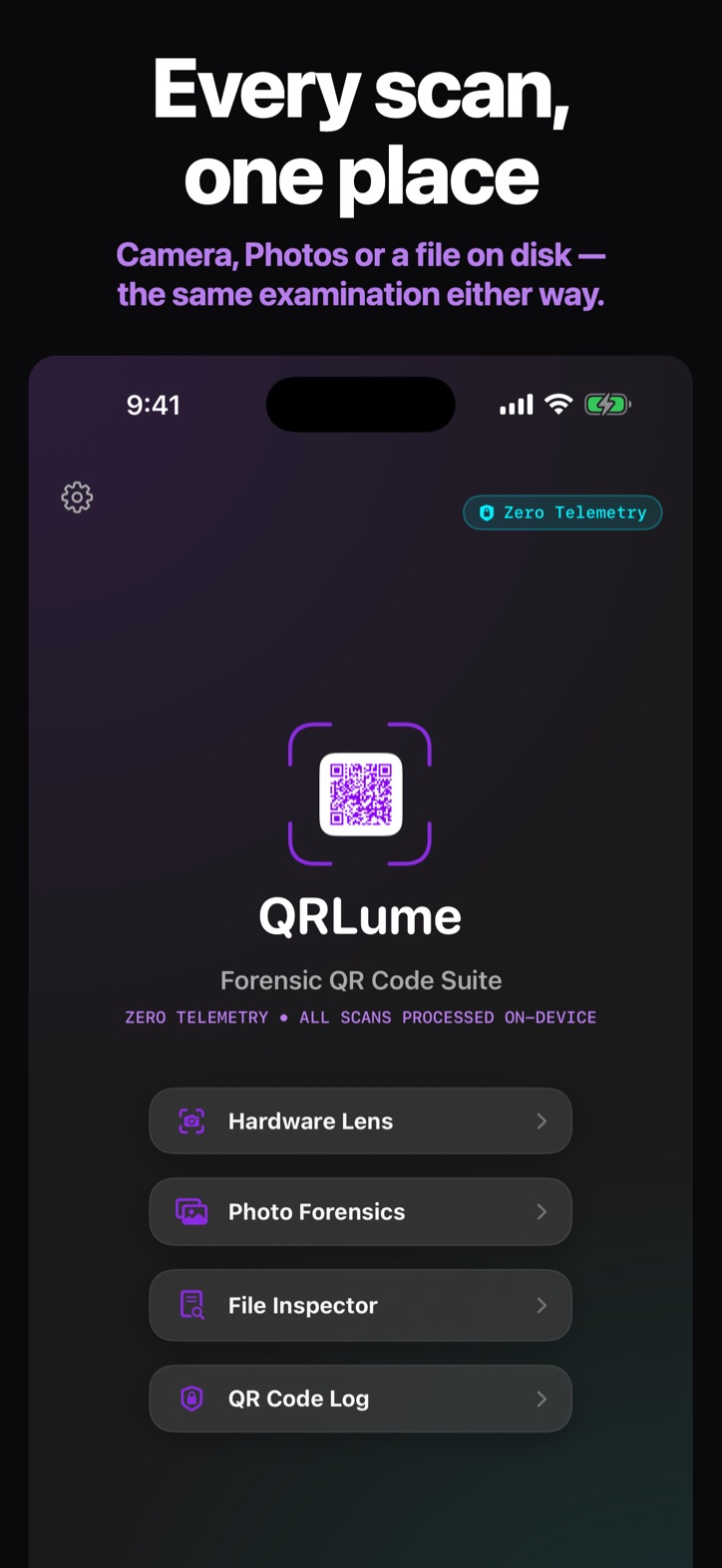
Yes. Photo Forensics reads the code in a photo you choose. File Inspector reads one from an image file, such as a screenshot saved on your Mac. You pick the photo in Apple’s photo picker, which runs outside QRLume, so QRLume never sees the rest of your library. The analysis runs entirely on your device. The scan is kept in your evidence log, which you open with Forensic Pro and which stays on the device while iCloud Sync is off.
How much does QRLume cost?
The report requires Forensic Pro, sold two ways: Forensic Pro Annual at $39.99 a year, or Forensic Pro Lifetime at $99.99, paid once. Either one unlocks the verdict, the decoded payload, the hex dump, entropy, the six local checks and the SHA-256 anchor, plus the evidence log and PDF exhibits. Prices are in US dollars; the App Store charges the price for your country or region.
What do I need to run QRLume?
An iPhone or iPad with iOS or iPadOS 26 or later, or a Mac with Apple silicon and macOS 26 or later. A camera is needed only for live scanning. A device that already has QRLume but can’t run these versions keeps the earlier version.
What can QRLume read?
QR codes, Aztec and PDF417, from the live camera, a photo or an image file. What the live camera can pick up depends on the device. QRLume reads one code per image — if a picture holds two, it reads only one of them — and it does not read 1-D barcodes such as UPC, EAN or Code 128.
Does QRLume check codes against a threat database?
No. QRLume does not look codes up in any threat database or reputation list. Its verdict comes from checks that run on your device, and the Forensic Pro report marks the threat-database result NOT CHECKED. The best result it gives is No Local Red Flags; it never calls a code safe.